Data Explorer
The Data Explorer shows the working directory as a file tree and opens any text file in a Log viewer or a Plot viewer.
Browse
- The Files card lists the working directory four folders deep, with file sizes. + and − expand and collapse every folder. Refresh lists again. Type in Filter files… to narrow the list.
.modfiles carry a FIELD tag. Clicking one opens it in the Field Viewer.- Every row has a download button.
- Drag the right edge of the Files card to make it wider. Double-click the edge to reset it.
Log viewer
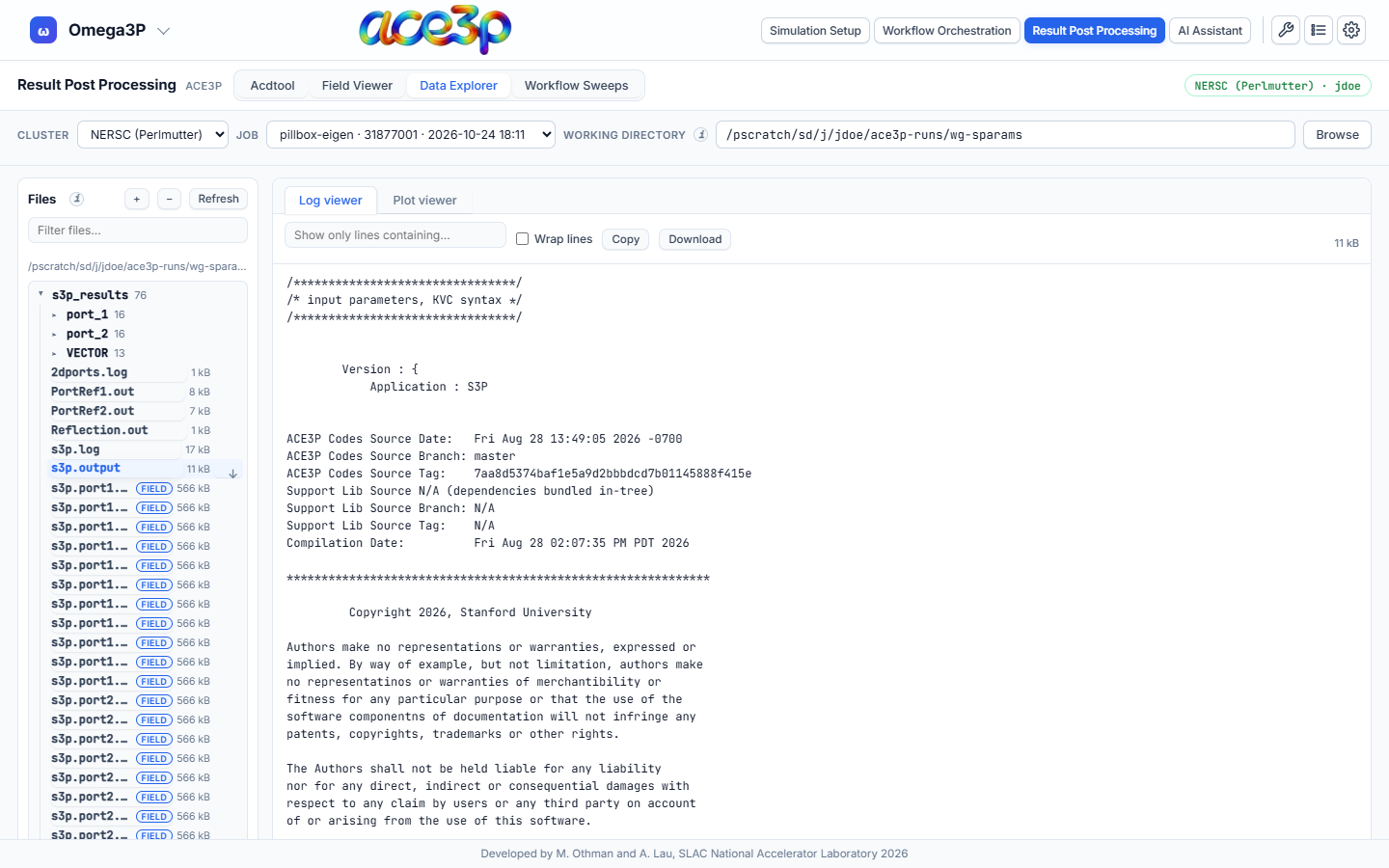
Click a log or text file to read it.
| Control | Effect |
|---|---|
| Show only lines containing… | Filters the lines |
| Wrap lines | Wraps long lines |
| Copy | Copies the text |
| Download | Saves the file |
A file over 2 million characters shows its first and last million characters. Files over 24 MB cannot be opened here; download them instead.
Plot viewer
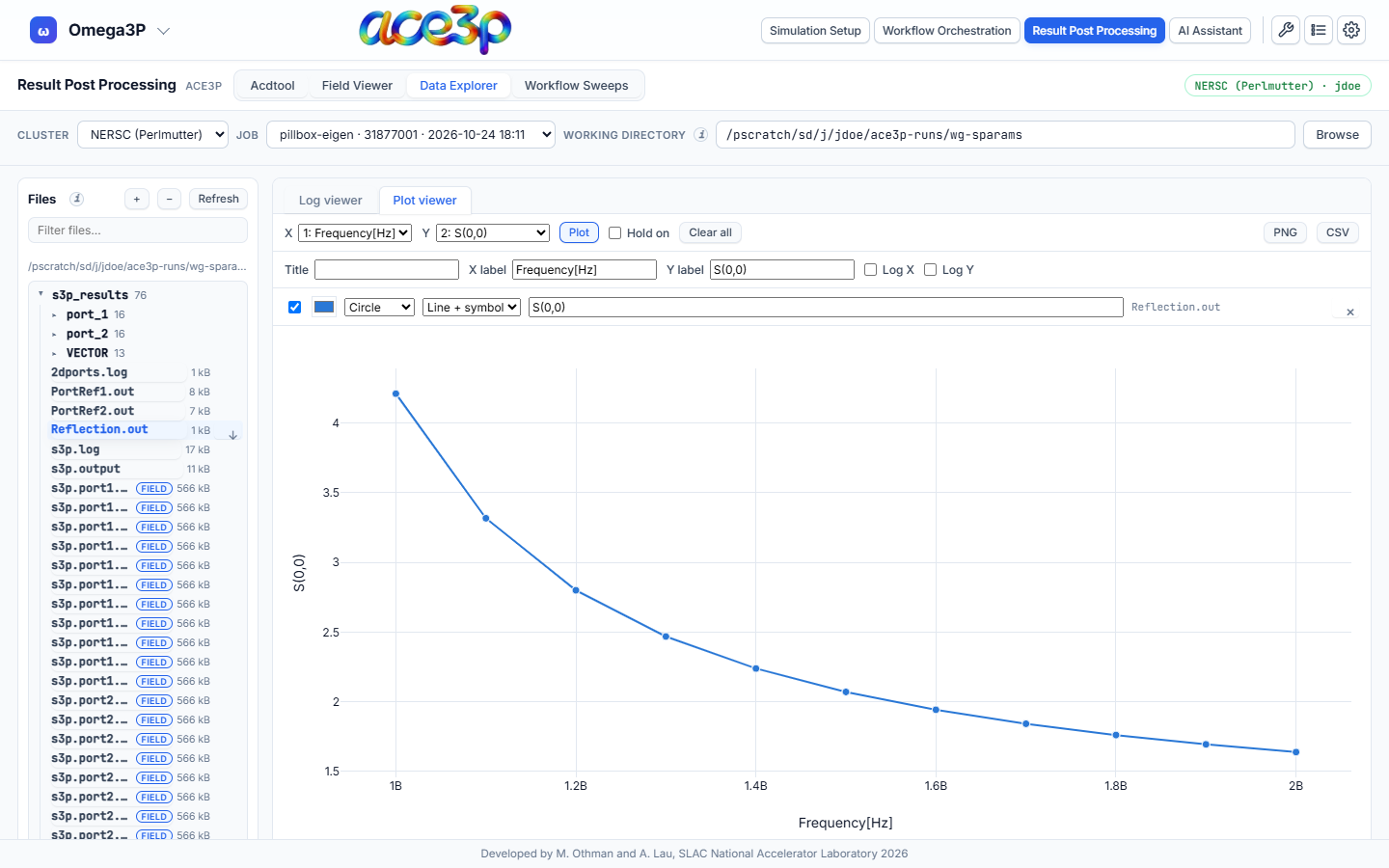
A file made mostly of numeric columns (for example Reflection.out,
SParameter.out, an acdtool field-along-a-line file) opens in the Plot viewer
and is plotted at once: column 1 against column 2.
- Choose the X and Y columns and press Plot.
- To compare curves, tick Hold on and plot again, from the same file or another one. Each curve becomes a series.
- Edit the Title, X label and Y label. Tick Log X or Log Y for logarithmic axes.
- Each series row sets visibility, colour, symbol, line style and legend name. × removes it. Clear all removes every series.
- Export with PNG or CSV.
Held series keep their data when you open another file, so curves from different runs can be compared on one plot.