Examples
The Examples button next to the solver name loads ready-made examples. It needs an internet connection.
Solver examples (Simulation Setup)
On Simulation Setup, Examples browses the CW23 ACE3P workshop examples for the current solver.
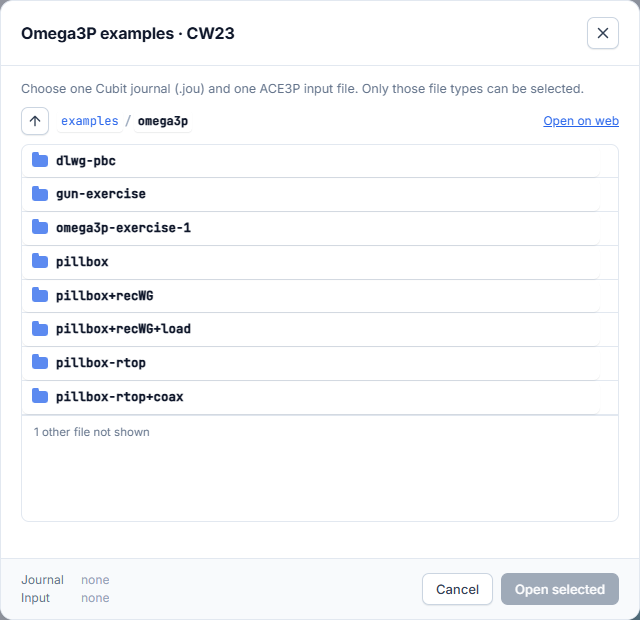
- Open a folder, for example pillbox+recWG.
- Select one Cubit journal (
.jou) and one input file (.omega3p,.s3p, …). Only these file types can be selected. The footer shows what is selected. - Press Open selected.
The input file fills the form and the journal becomes the mesh, meshed and drawn in the Mesh Viewer. Open on web opens the folder in your browser.
Workflow examples (Workflow Orchestration)
On Workflow Orchestration, Examples browses the examples folder of the
LUME-ACE3P repository.
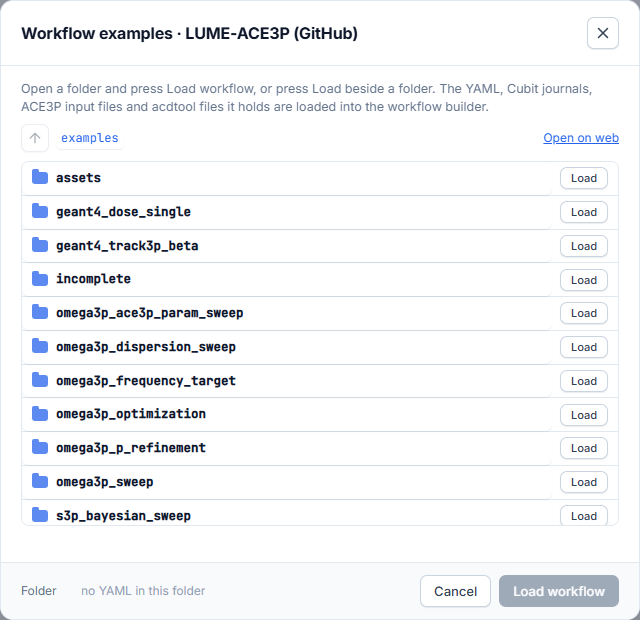
Select a folder and press Open selected. Loading an example replaces the current workflow:
- The YAML fills the builder.
- The journal it names becomes the mesh.
- Every input file the YAML refers to is added to the workflow file library under its own name.
An example that uses a feature the builder has no form for (for example a Geant4 step) is loaded as hand-edited YAML. It is submitted exactly as written.